Too many notifications from Claude Code in a loop? Group them and mute it
Each run of claude -p in a shell loop is a new Claude Code session, so alerts sent per session arrive once per run; grouping them by project turns the loop into one alert. ACTVT groups notifications by project, not by session, for that reason. The first finish from a project notifies you as usual. Anything else from that project in the same window waits: one waiting event arrives as itself, and two or more arrive as one alert, “N more from …”. When grouped alerts keep coming round after round, ACTVT says it looks like a schedule, and the alert’s Options let you mute that project for 1 hour or a day. Mutes are listed in Settings → Notifications with their time left, and expire on their own. Pace sets the window: Instant groups over 2 minutes (used in the video); Relaxed waits for a few quiet minutes and groups repeats by the hour, which suits agents in loops. Grouping never drops an event, and muting one project leaves the others on.
1:045 chapters
Step by step
0:00A job in a loop
A nightly job: the same Claude Code task, run 12 times in a row. Each run is a new session, and each takes 15 to 20 seconds.
0:09The first one
ACTVT tells you when the first Claude Code run finishes.
0:14The rest wait
The next Claude Code runs from the same project wait, instead of each sending its own alert. Two minutes on, they arrive together, as one alert. The loop keeps going, and ACTVT keeps grouping.
0:31Mute it
After two grouped rounds in a row, it says this looks like a schedule. From the alert’s Options, mute this project for an hour or a day. The mute ends on its own.
0:49Settings
In Settings, Pace sets how quickly alerts come; the video ran on Instant, in 2-minute rounds. For agents in loops, Relaxed waits for a quiet spell and groups repeats by the hour. Every mute is listed here, with its time left.
Questions
- Does ACTVT drop notifications?
- No. It holds them and sends them together as one alert.
- Does mute turn notifications off?
- No. It mutes one project, for an hour or a day, and ends on its own.
More tutorials
All tutorials →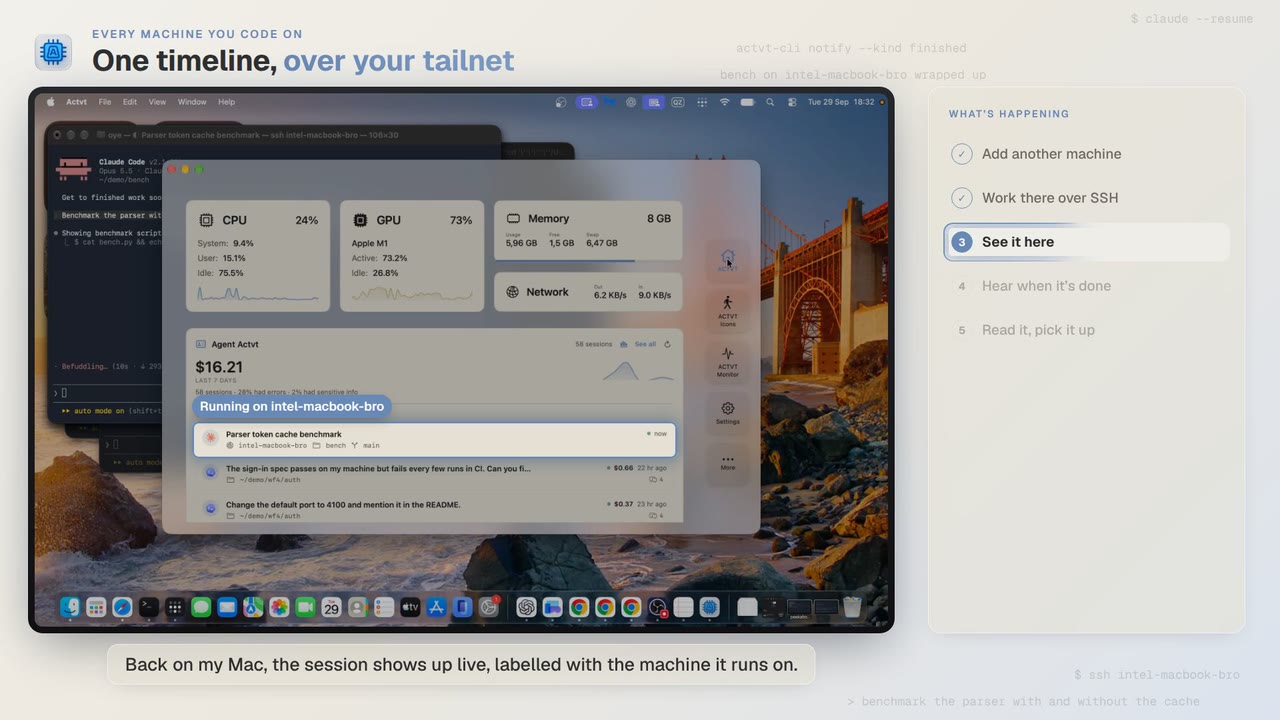 1:24
Every machine you code on
See Claude Code, Codex and pi sessions from all your machines over SSH
Start Claude Code on another Mac over SSH, and you can follow the session from your own Mac while it runs and read the whole transcript when it’s done.
 3:42
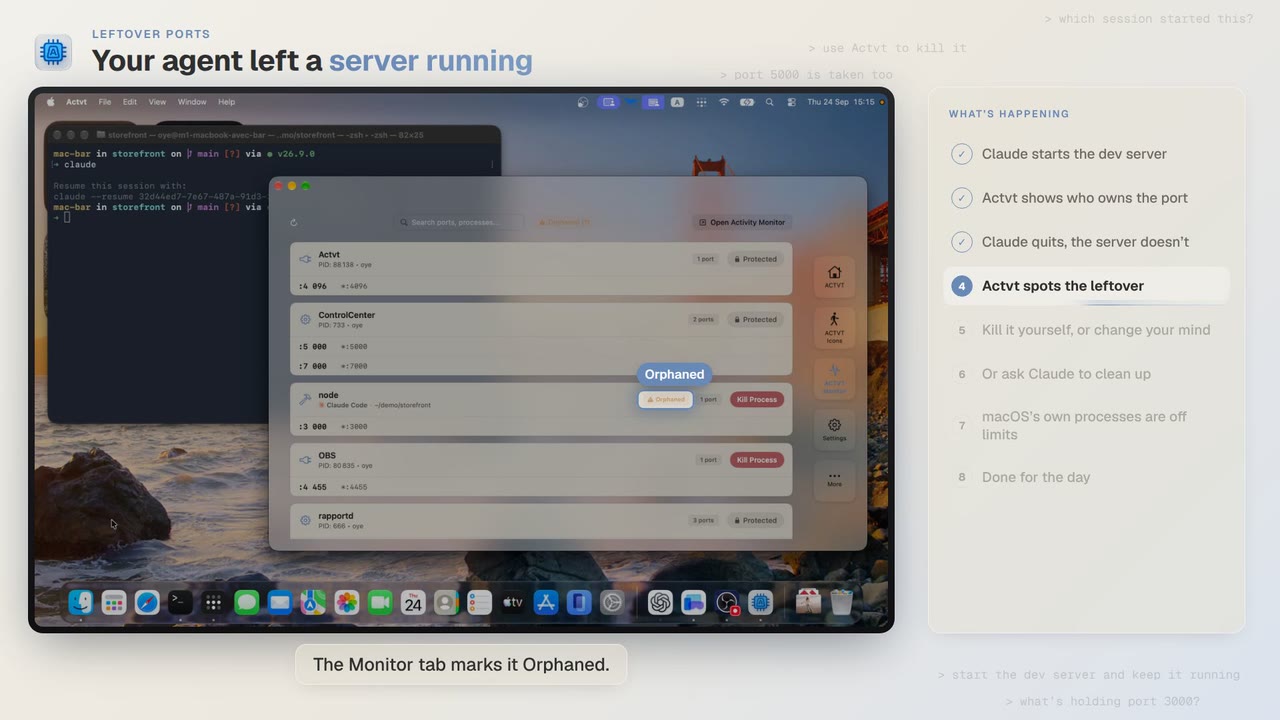
Leftover ports
Find and kill the dev server Claude Code or Codex left running
Claude Code starts a dev server and then quits, and port 3000 stays taken. ACTVT shows you the server whose session is gone and lets you free the port safely.
 0:48
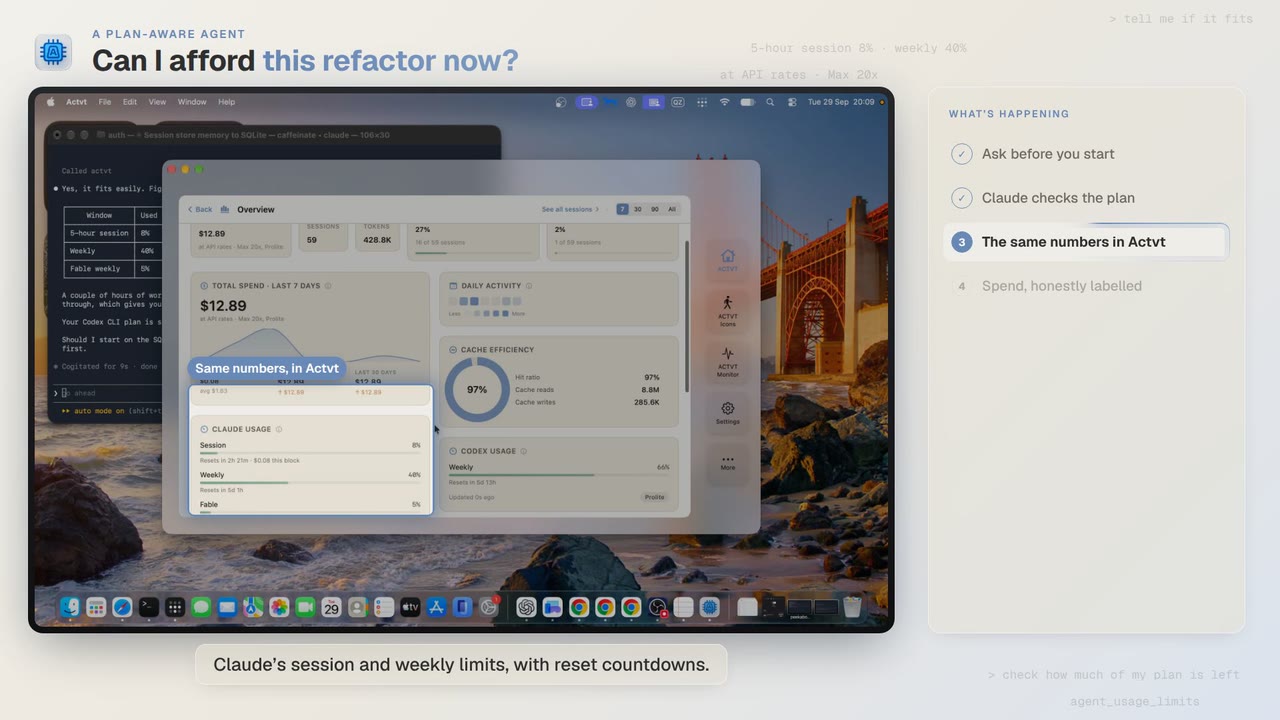
A plan-aware agent
Check your Claude and Codex plan limits before a long agent job
Before a two-hour job, Claude Code asks ACTVT how much of your plan is left. You can see the same limits in ACTVT, along with when each one resets.
Try it on your own agents
ACTVT is free to start, and reads the session files Claude Code, Codex CLI and Pi already write. Nothing to configure.