Rename and pin the AI agent session you’ll come back to
In ACTVT’s All Sessions, right-click a session and choose Rename… to give it your own title; it shows wherever ACTVT shows the session. The name is ACTVT’s: Claude Code’s own resume list keeps its title, and Reset Title in the same menu brings back the original. Choose Pin from that menu to keep the session at the top of the home list, marked with a pin, for 7 days (change it in Settings > Appearance, from 1 to 30 days). Up to three sessions can be pinned at once; pinning a fourth unpins the oldest. All Sessions is part of the Premium tier; the home list is free.
0:444 chapters
Step by step
0:00Find the session
ACTVT names each agent session after its first prompt. The one to come back to is easy to lose. See all lists every session; here, filtered to today.
0:10Rename it
Right-click the session, then Rename…, and give it a name you’ll recognise. The name is ACTVT’s: Claude Code keeps its own. The row now reads the name you gave it.
0:26Pin it
Right-click it again, then Pin: a pin glyph, and an outlined row.
0:36Back on top
On the home list it sits on top, above newer sessions, for 7 days (a setting).
More tutorials
All tutorials →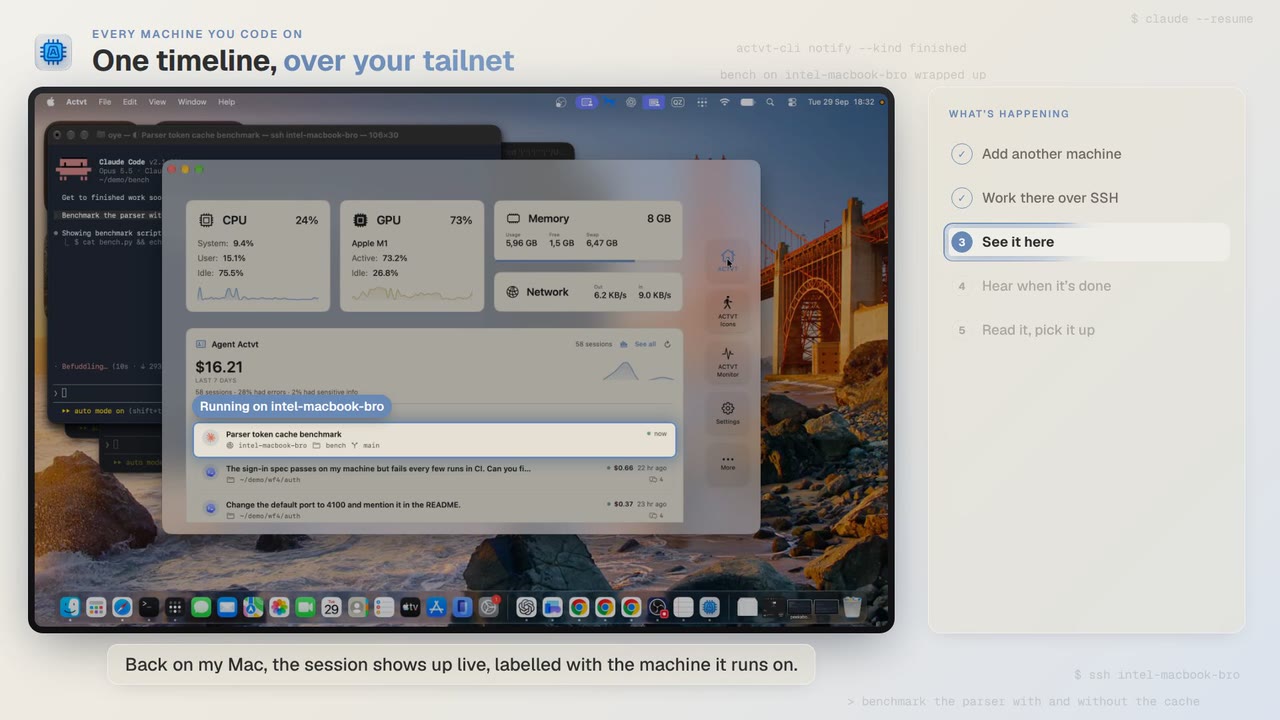 1:24
1:24Every machine you code on
See agent sessions from all your machines over SSH
Start Claude Code on another Mac over SSH, and you can follow the session from your own Mac while it runs and read the whole transcript when it’s done.
 3:42
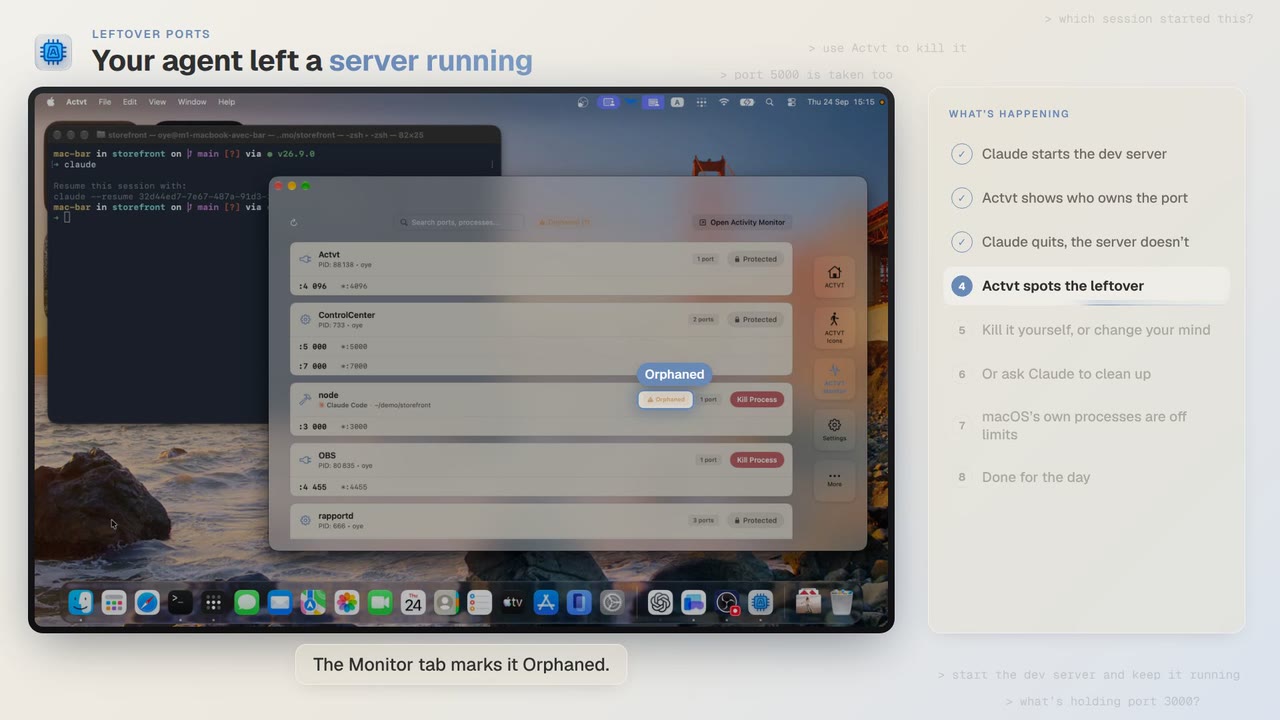
3:42Leftover ports
Find and kill the dev server your AI agent left running
Claude Code starts a dev server and then quits, and port 3000 stays taken. ACTVT shows you the server whose session is gone and lets you free the port safely.
 0:48
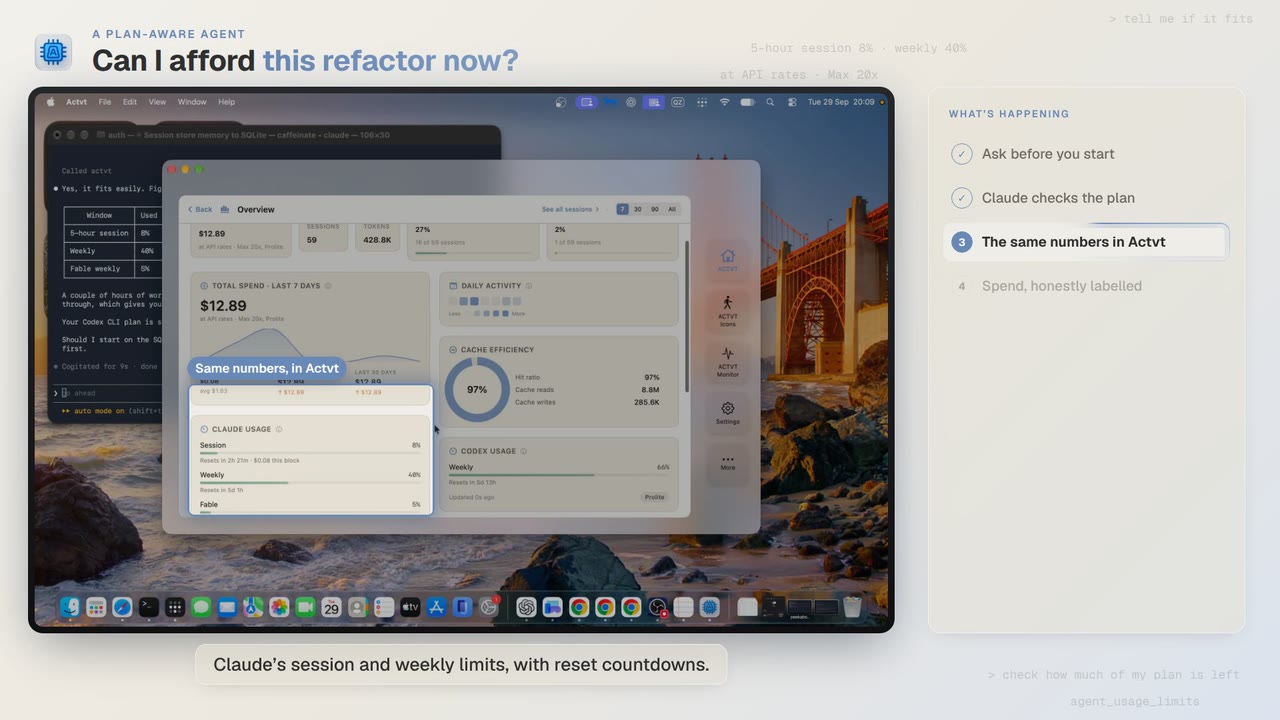
0:48A plan-aware agent
Check how much of your plan is left before a long agent job
Before a two-hour job, Claude Code asks ACTVT how much of your plan is left. You can see the same limits in ACTVT, along with when each one resets.
Try it on your own agents
ACTVT is free to start, and reads the session files Claude Code, Codex CLI and Pi already write. Nothing to configure.