See agent sessions from every machine you code on, over SSH
ACTVT’s Remote Sessions reads Claude Code, Codex CLI and Pi sessions from your other Macs and Linux servers over plain SSH, and puts them on one timeline on your Mac, labelled with the machine each runs on. There is no cloud service in between and nothing left running on the remote host. Remote Sessions is available on any paid tier.
1:245 chapters
Step by step
0:00Add another machine
You need two machines on the same tailnet: this Mac and one more. ACTVT reads other Macs and Linux servers over plain SSH. Turn on Remote Sessions in Settings → Agents, then add a machine by name or turn on automatic discovery within your tailnet, here we add another Mac. ACTVT connects over SSH to the actvt-cli installed there.
0:18Work there over SSH
In Terminal, SSH into that machine and start Claude Code there. The job: benchmark a parser with and without its cache.
0:41See it here
Back on your Mac, the session shows up live, labelled with the machine it runs on. Every machine also gets its own view.
0:48Hear when it’s done
Claude finishes on the other machine and tells ACTVT. The notification shows up on your Mac, in the Agent’s own words.
0:57Read it, pick it up
The whole transcript opens on your Mac, tables included. One click resumes the session of the remote machine it ran on. It works the same with Macs or Linux servers, with no cloud in between and nothing left running on the remote machine.
More tutorials
All tutorials →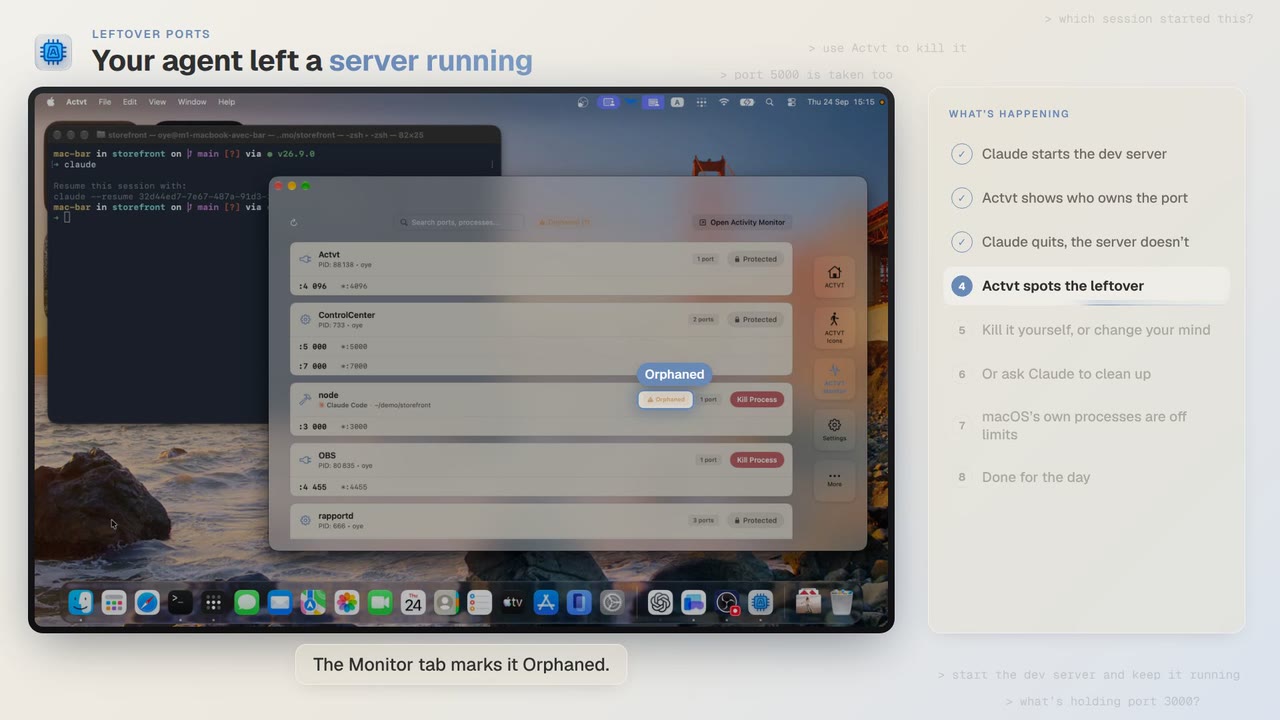 3:42
3:42Leftover ports
Find and kill the dev server your AI agent left running
Claude Code starts a dev server, quits, and leaves port 3000 taken. ACTVT spots the orphan and frees the port safely.
 0:48
0:48A plan-aware agent
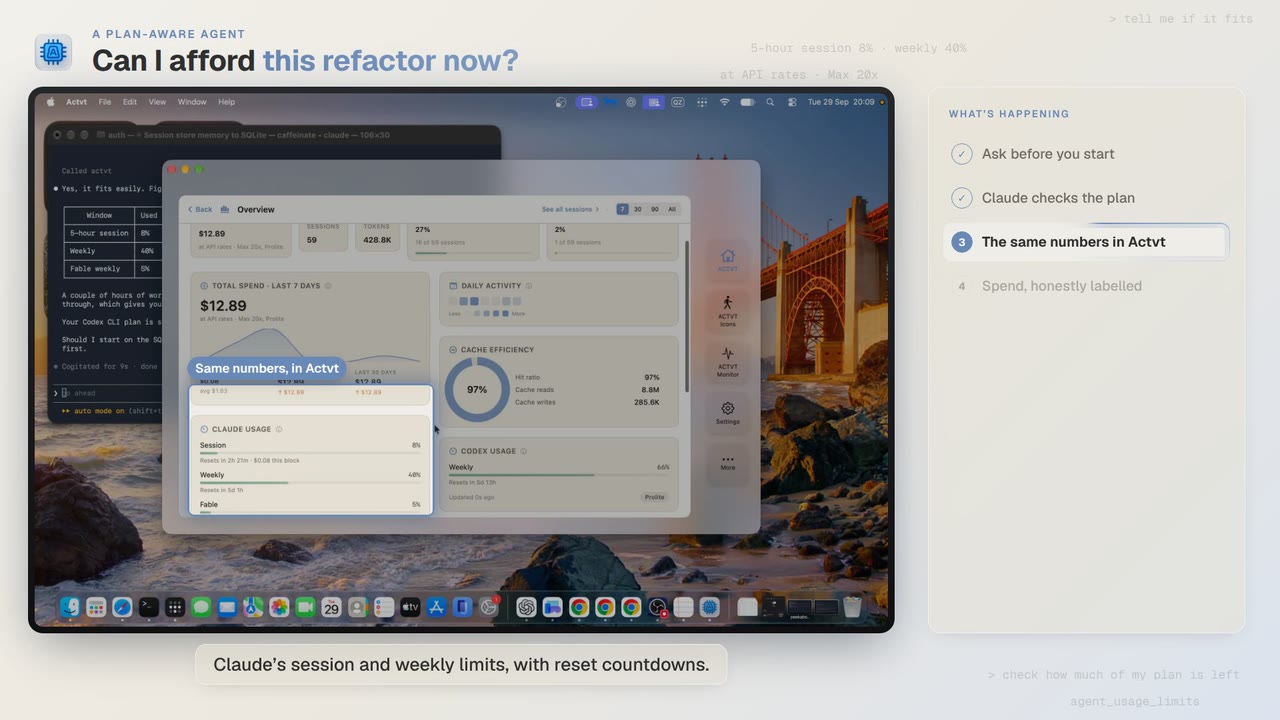
Can I afford this refactor? Check your plan limits first
Before a two-hour job, Claude Code asks ACTVT how much of your plan is left, and the same limits show in ACTVT with reset countdowns.
 2:14
2:14Agent or machine?
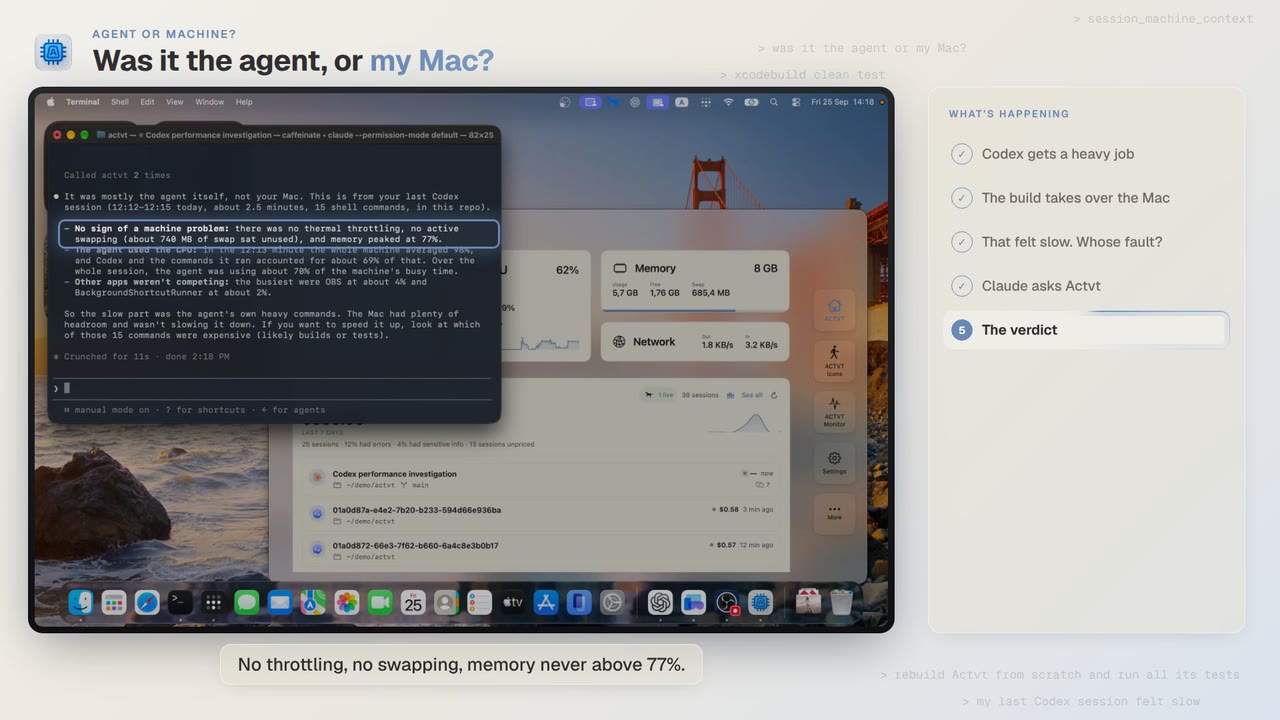
Was it the AI agent, or my Mac? Diagnose a slow agent run
A Codex build felt slow. Claude asks ACTVT what the Mac was doing during that session, and gets an answer backed by numbers.
Try it on your own agents
ACTVT is free to start, and reads the session files Claude Code, Codex CLI and Pi already write. Nothing to configure.