Which agent run failed while you were away? Find the sessions that hit errors
ACTVT lists every Claude Code and Codex session on your Mac and counts each one’s failed tool calls: commands that exited with an error, files that weren’t there. One filter leaves only the runs where something failed, and the transcript shows each failed call in red, so you can see where a run broke without reading every log. The session browser and its filters are part of the Premium tier.
0:425 chapters
Step by step
0:00Three runs finished
Three agent runs finished while I was away. Did they all work? ACTVT lists every Claude Code and Codex session on this Mac. Filter it to today’s runs: three of them, and each one finished.
0:19Show only the ones with errors
One filter leaves only the runs where a command failed. Just one of them.
0:25How many calls failed
Open it: two of its tool calls failed. A failed call isn’t a failed run, so look at what happened.
0:31Straight to the failed calls
Failed calls are red: a missing fixture, then a rounding bug. The agent fixed both and the tests pass. The errors were on the way, not at the end.
0:39The other two were clean
Turn the filter off: the other two runs finished clean.
More tutorials
All tutorials →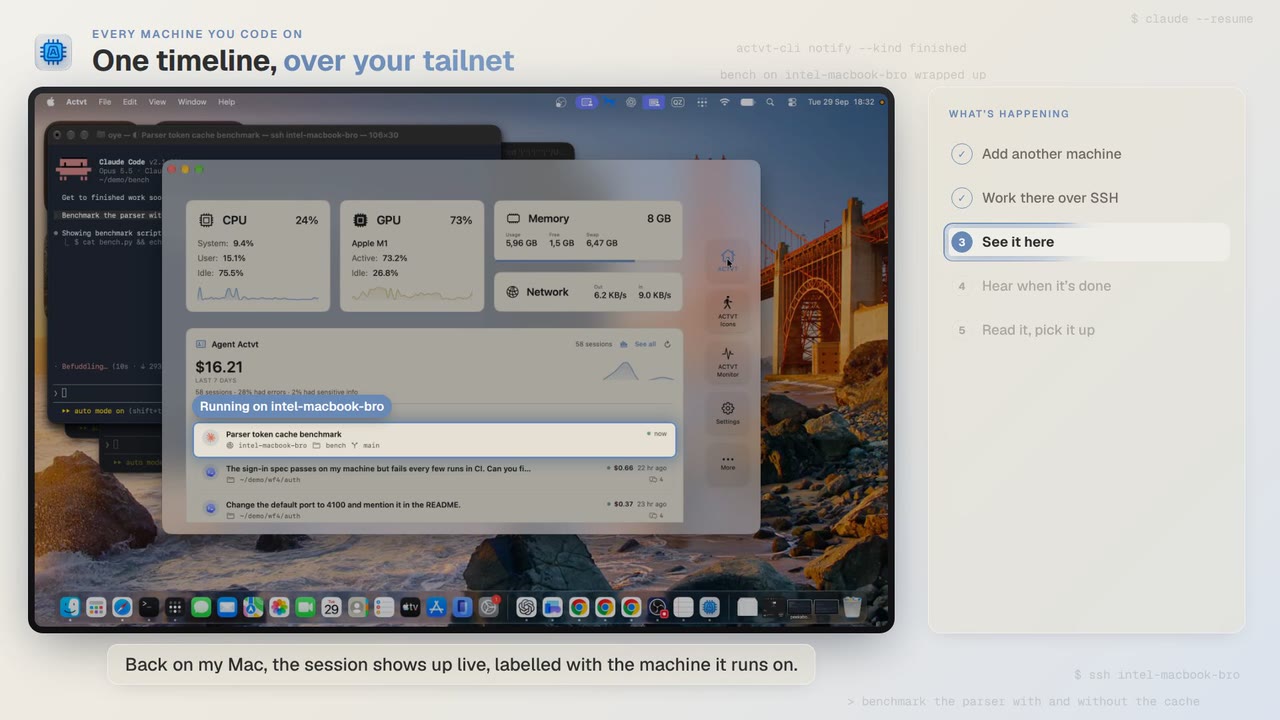 1:24
1:24Every machine you code on
See agent sessions from every machine you code on, over SSH
Start Claude Code on another Mac over SSH, watch the session live from your own, and read the full transcript when it finishes.
 3:42
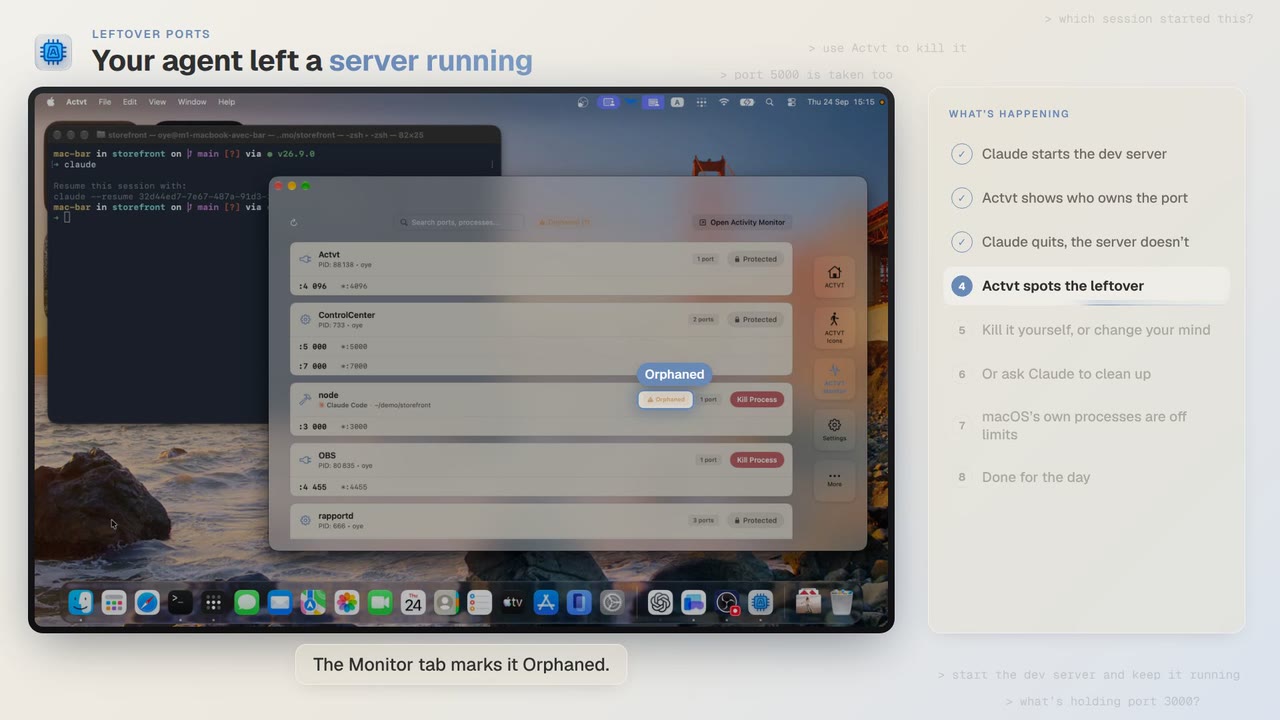
3:42Leftover ports
Find and kill the dev server your AI agent left running
Claude Code starts a dev server, quits, and leaves port 3000 taken. ACTVT spots the orphan and frees the port safely.
 0:48
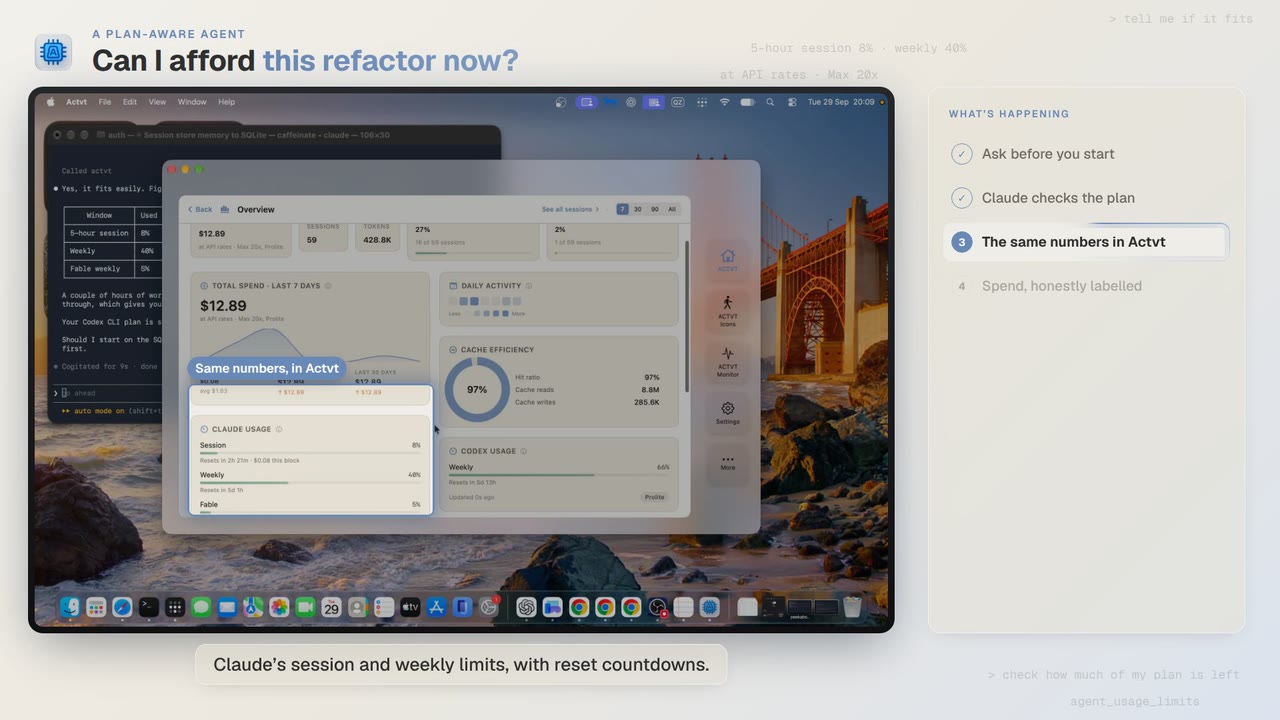
0:48A plan-aware agent
Can I afford this refactor? Check your plan limits first
Before a two-hour job, Claude Code asks ACTVT how much of your plan is left, and the same limits show in ACTVT with reset countdowns.
Try it on your own agents
ACTVT is free to start, and reads the session files Claude Code, Codex CLI and Pi already write. Nothing to configure.