Find an AI agent session when you can’t remember the words it used
The session list’s search box has two modes. Text matches the words you type (each word, stemmed, so “logged” also finds “logging”). Meaning ranks sessions by what they’re about, using a small language model that runs on your Mac. You download it once (about 60 MB), and your sessions never leave your Mac to be searched. Meaning ranks every session from closest to furthest, so the top of the list is what you look at. Your query stays when you switch modes.
0:404 chapters
Step by step
0:00Your sessions
An agent fixed this for me earlier. I remember what it fixed, but not the words it used.
0:08Search the words
I search for “why do users get logged out”. Text search matches the words, so “logged” brings up the logging session first.
0:17Search the meaning
Now I switch to Meaning. With the same question, it ranks by what it means, and the refresh-token fix comes first. It ranks every session, closest first.
0:28Open it
That’s the one. The tokens were expiring and the client never renewed them. Meaning search runs here on the Mac, with a small model you download once.
More tutorials
All tutorials →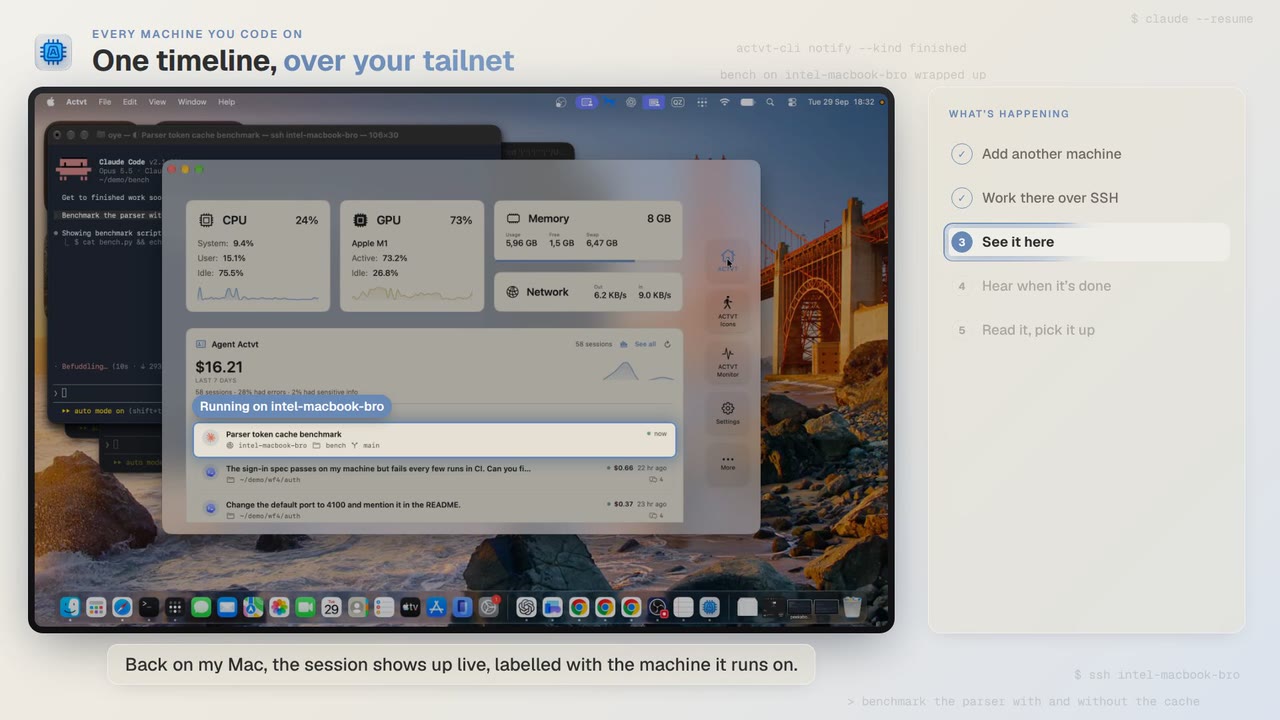 1:24
1:24Every machine you code on
See agent sessions from all your machines over SSH
Start Claude Code on another Mac over SSH, and you can follow the session from your own Mac while it runs and read the whole transcript when it’s done.
 3:42
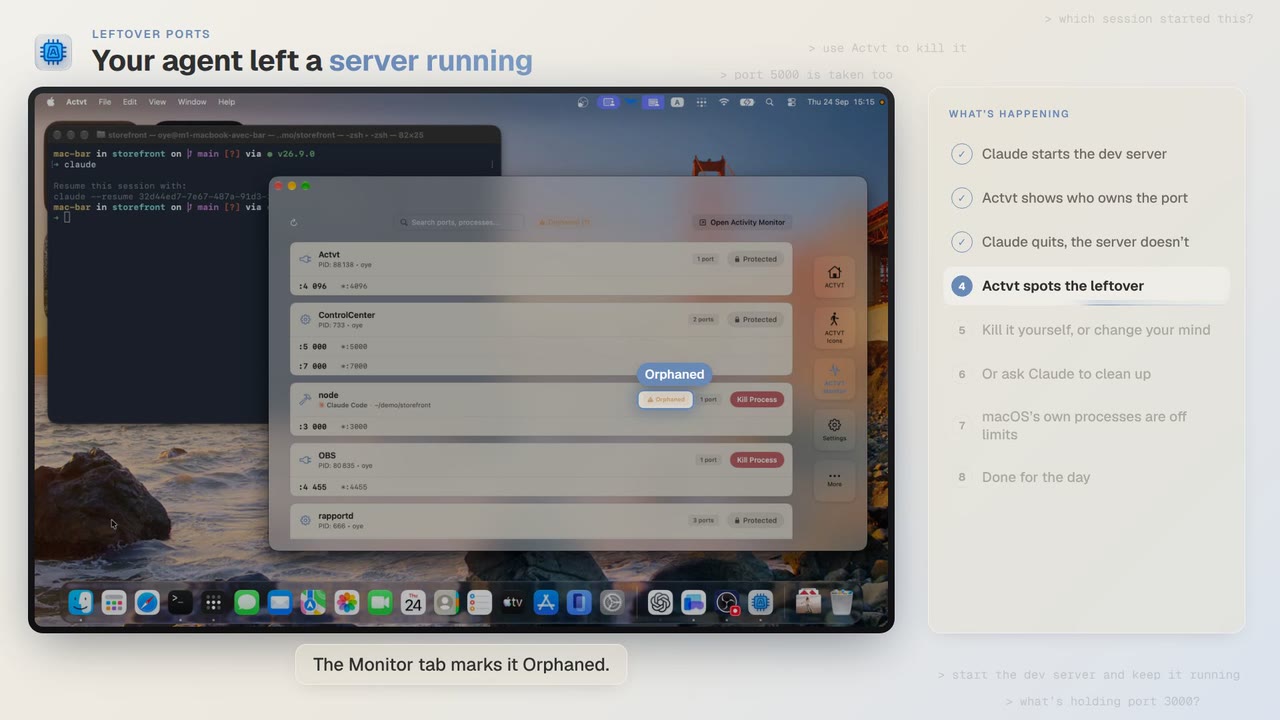
3:42Leftover ports
Find and kill the dev server your AI agent left running
Claude Code starts a dev server and then quits, and port 3000 stays taken. ACTVT shows you the server whose session is gone and lets you free the port safely.
 0:48
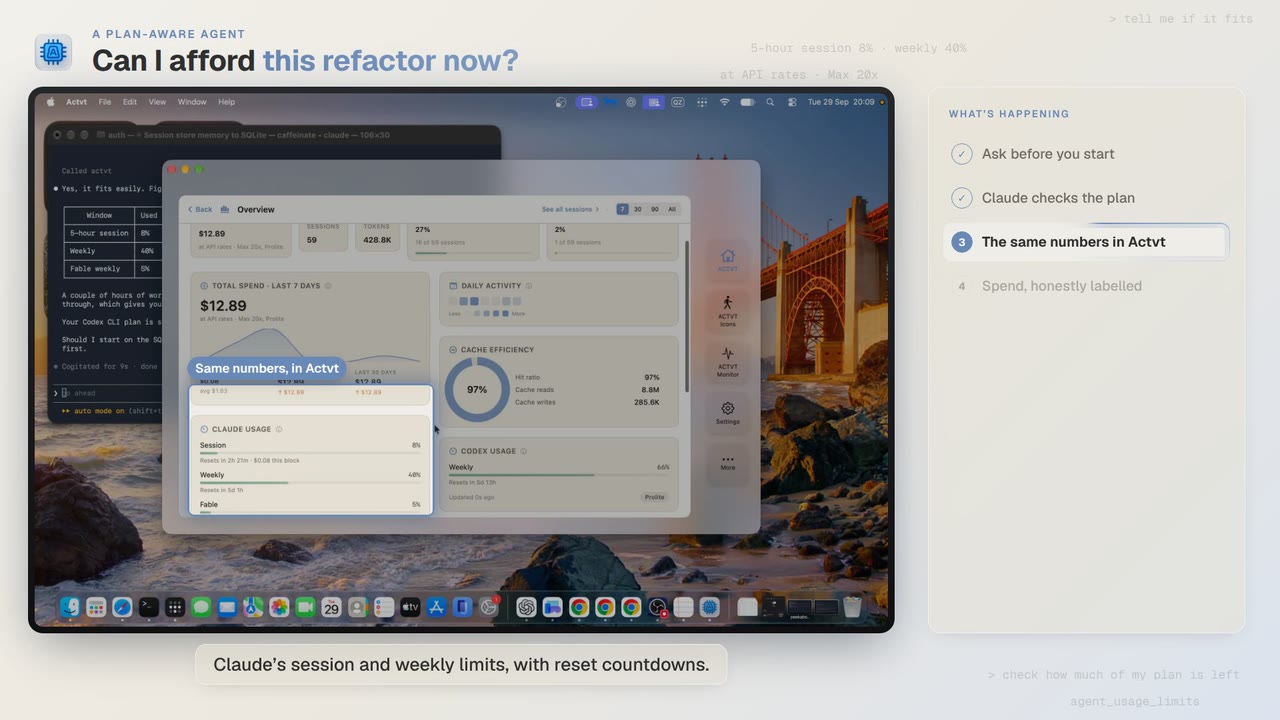
0:48A plan-aware agent
Check how much of your plan is left before a long agent job
Before a two-hour job, Claude Code asks ACTVT how much of your plan is left. You can see the same limits in ACTVT, along with when each one resets.
Try it on your own agents
ACTVT is free to start, and reads the session files Claude Code, Codex CLI and Pi already write. Nothing to configure.