Which AI agent needs me? Find the session waiting for input
When several coding agents run at once, ACTVT tracks every session and tells you which one is waiting on you, and for what. Agents can explain themselves through the agent_notify MCP tool, ACTVT notices when a session goes quiet on a permission prompt, and one click takes you to the exact terminal pane.
1:195 chapters
Step by step
0:00Four agents at once
Four small jobs, four agents, one terminal. Claude Code starts rebuilding a website, Codex runs the API’s integration tests, and two more Claude sessions write a README and fix a typo.
0:20One explains itself
Codex is stuck without a database, and tells you through ACTVT: it calls ACTVT’s agent_notify tool to say it needs DATABASE_URL set to a Postgres database before it can run the integration tests. ACTVT tracks all four sessions as they run.
0:30One goes quiet
Meanwhile the Claude session rebuilding the site has stopped to ask permission, when nobody is watching that pane.
0:36ACTVT says who
ACTVT notices the silence and says who is waiting, and on what: the site rebuild is waiting for your OK to run a Bash command. One click opens that session in ACTVT.
0:53Straight to the pane
Focus jumps to the exact tmux pane that needs you. Approve, and the rebuild finishes. Four agents running, one waiting on you, and you can easily tell which.
More tutorials
All tutorials →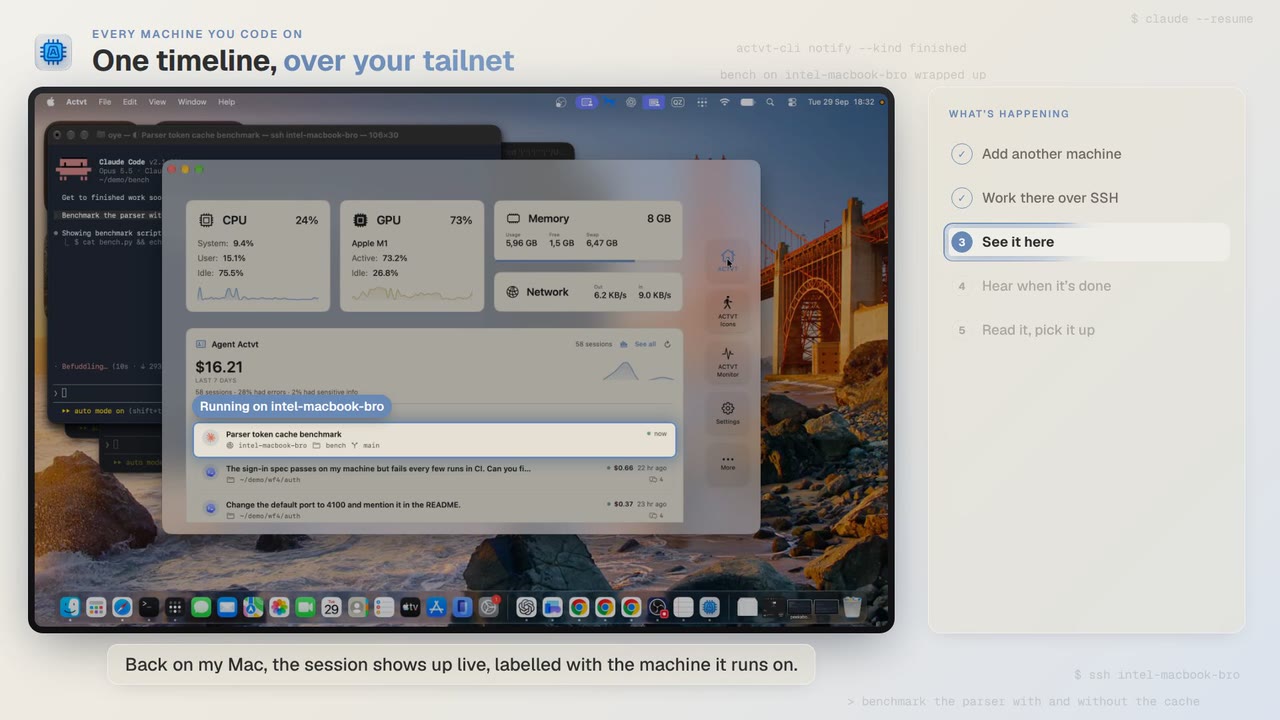 1:24
1:24Every machine you code on
See agent sessions from every machine you code on, over SSH
Start Claude Code on another Mac over SSH, watch the session live from your own, and read the full transcript when it finishes.
 3:42
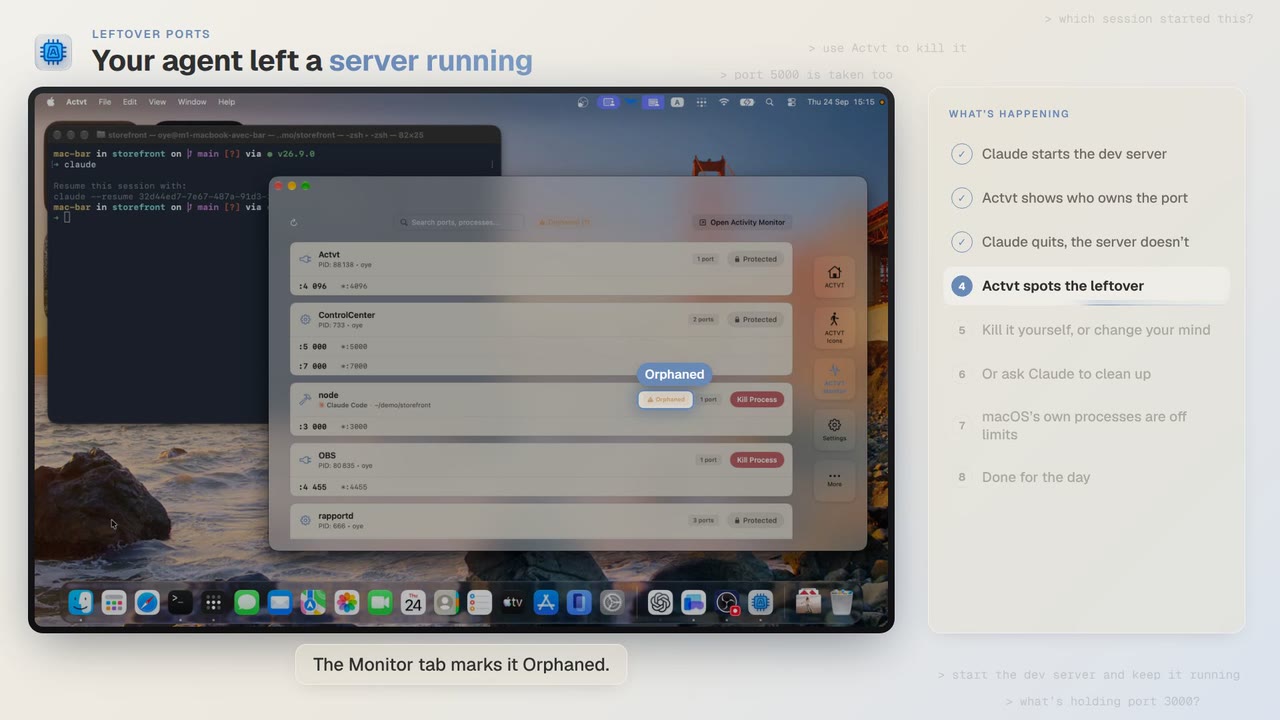
3:42Leftover ports
Find and kill the dev server your AI agent left running
Claude Code starts a dev server, quits, and leaves port 3000 taken. ACTVT spots the orphan and frees the port safely.
 0:48
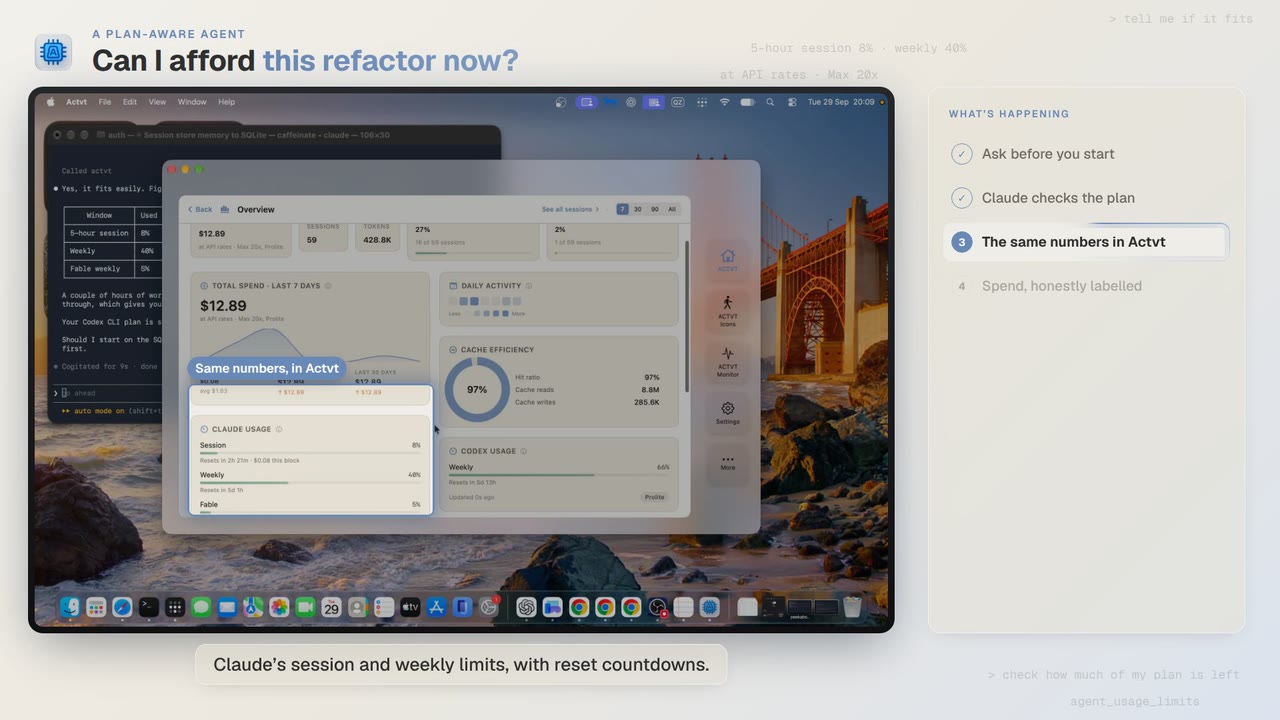
0:48A plan-aware agent
Can I afford this refactor? Check your plan limits first
Before a two-hour job, Claude Code asks ACTVT how much of your plan is left, and the same limits show in ACTVT with reset countdowns.
Try it on your own agents
ACTVT is free to start, and reads the session files Claude Code, Codex CLI and Pi already write. Nothing to configure.