Share your screen without showing what Claude Code or Codex cost or work on
To share your screen without showing what Claude Code or Codex cost or work on, hide those details before you start sharing. Open ACTVT’s menu bar menu and choose Presentable Mode (it is also in Settings → Appearance). Every dollar figure becomes $•••, every project becomes Project 1, Project 2 and so on, and session titles, branches, file paths and transcripts are hidden. Token counts, plan limits and your Mac’s own metrics stay on screen, so you can still show what you meant to show. A session you rename keeps its name while the mode is on, and the rename field starts empty, so the hidden title never appears. Presentable Mode changes only what the screen shows: your data is not changed, and agents asking ACTVT over MCP still get the real data. Tool names, such as MCP servers and Skills in the Overview, stay visible.
0:445 chapters
Step by step
0:00Before
On a test Mac with staged Claude Code runs: each session’s title, folder, branch and cost.
0:06Turn it on
Before you share your screen: Presentable Mode, in ACTVT’s menu bar menu.
0:11What it hides
Every cost becomes $•••. Projects become Project 1, 2…; titles and branches are hidden. The Mac’s own metrics and the session counts stay as they are.
0:21Inside a session
Inside a session, the transcript is hidden. The cost is masked; context and token counts stay.
0:30Keep one row readable
Rename a session to keep one row readable: the field starts empty, so the hidden title never shows, and the name stays on screen while the mode is on. It changes only what the screen shows: agents asking ACTVT over MCP still get the real data.
Questions
- Does it hide anything from my agents?
- No. It only changes what ACTVT draws on screen. Agents asking ACTVT over MCP still get the real data.
- What stays visible?
- Token counts, plan limits, your Mac’s CPU, GPU, memory and network, session counts, sessions you named yourself, and tool names such as MCP servers and Skills.
More tutorials
All tutorials →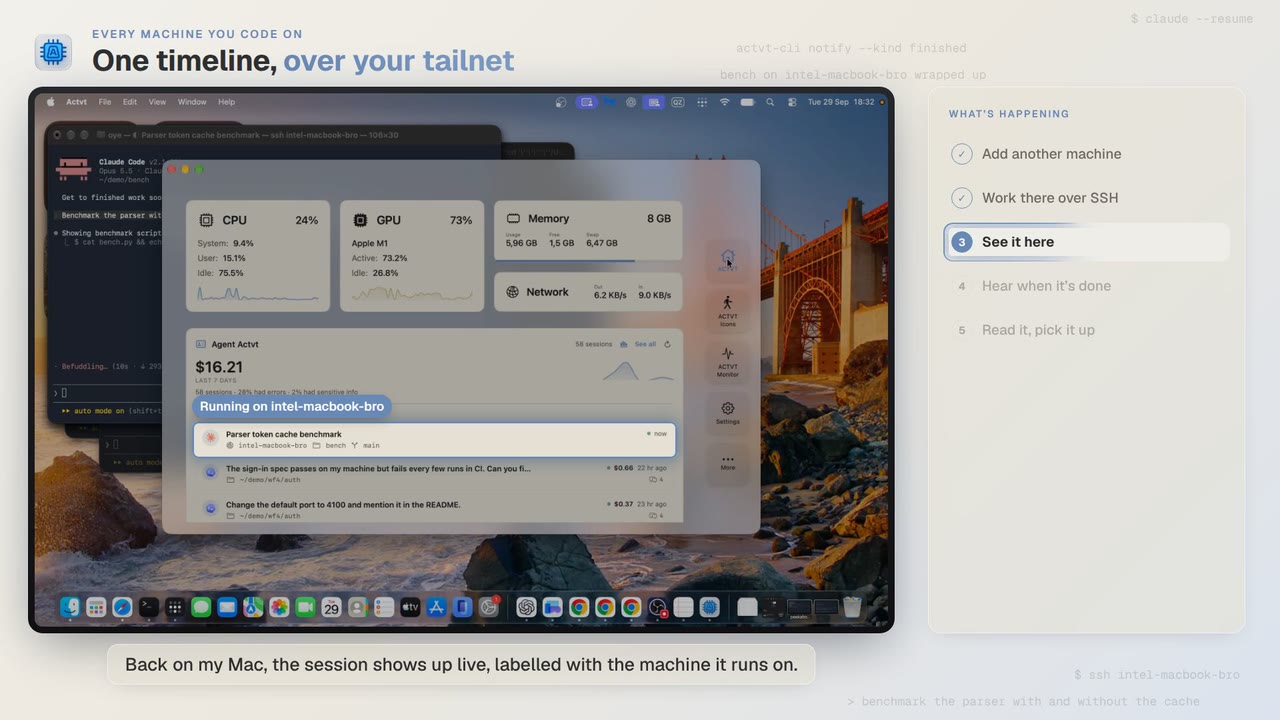 1:24
Every machine you code on
See Claude Code, Codex and pi sessions from all your machines over SSH
Start Claude Code on another Mac over SSH, and you can follow the session from your own Mac while it runs and read the whole transcript when it’s done.
 3:42
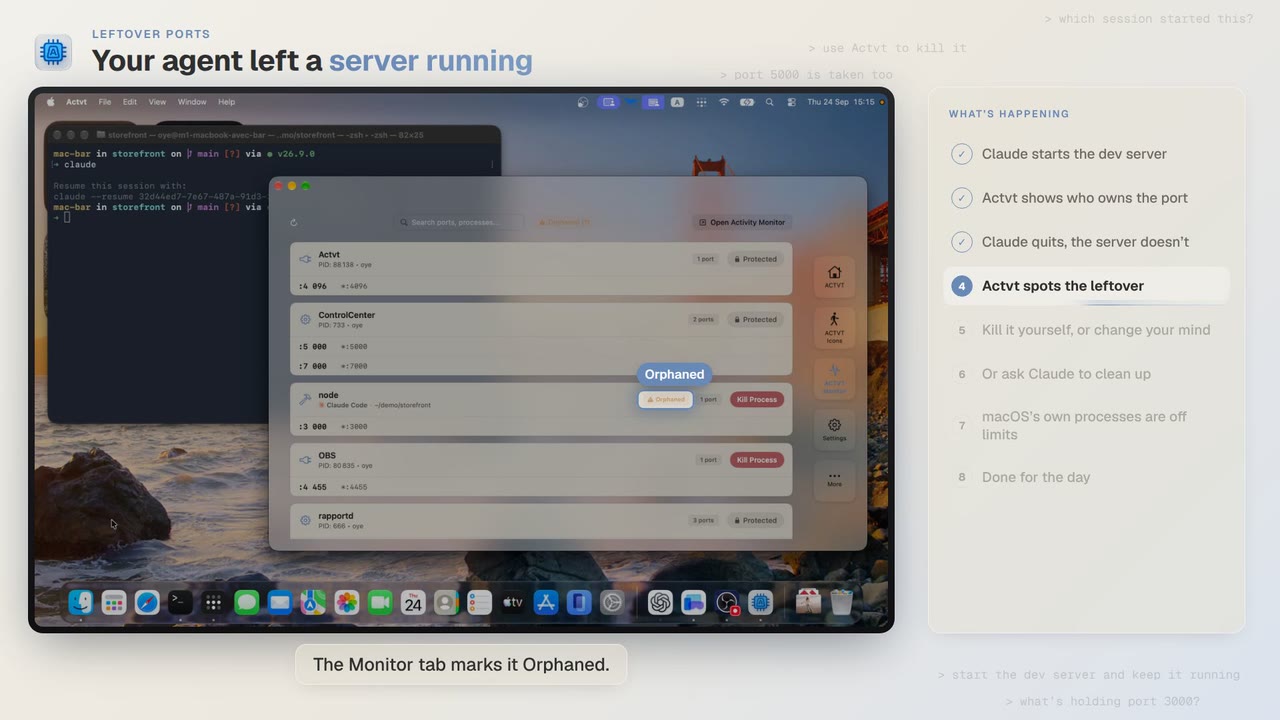
Leftover ports
Find and kill the dev server Claude Code or Codex left running
Claude Code starts a dev server and then quits, and port 3000 stays taken. ACTVT shows you the server whose session is gone and lets you free the port safely.
 0:48
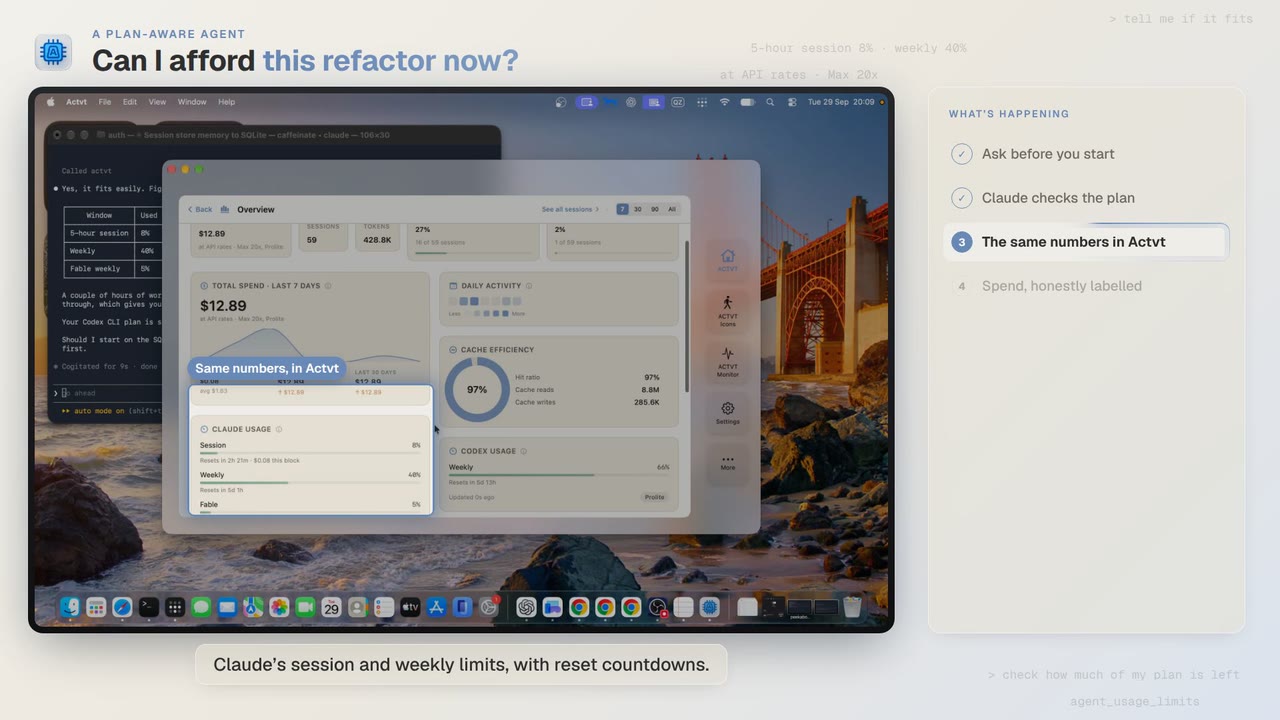
A plan-aware agent
Check your Claude and Codex plan limits before a long agent job
Before a two-hour job, Claude Code asks ACTVT how much of your plan is left. You can see the same limits in ACTVT, along with when each one resets.
Try it on your own agents
ACTVT is free to start, and reads the session files Claude Code, Codex CLI and Pi already write. Nothing to configure.